Free feature
AutoDuck for music and sound effects
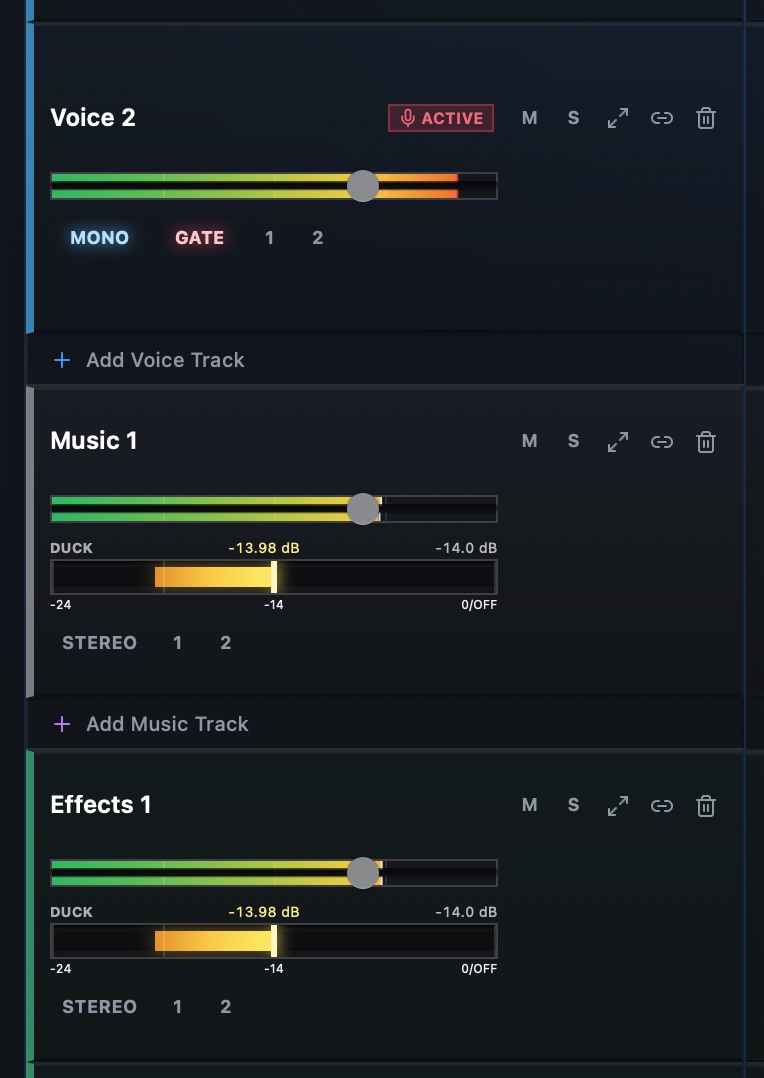
Automatically lower music and sound effects beneath active speech so dialogue stays clear without drawing every volume change by hand.
What it helps you do
- Keep dialogue intelligible when music or sound effects overlap it.
- Create consistent level movement from the timing of speech clips.
- Reduce repetitive volume automation while retaining timeline control.
How the workflow works
- Place dialogue on Speech tracks and supporting audio on Music or Effects tracks.
- Enable AutoDuck for the tracks that should move beneath dialogue.
- Play through the mix and fine-tune track levels before export.
AutoDuck for music and sound effects FAQ
Does AutoDuck use credits?
No. AutoDuck is included among StudioEditor’s free features.
What does AutoDuck lower?
It lowers enabled music and sound-effect tracks while active speech is present.
Can I still control track volume?
Yes. AutoDuck works alongside the timeline and track controls so you can review the result and adjust the mix.