Free feature
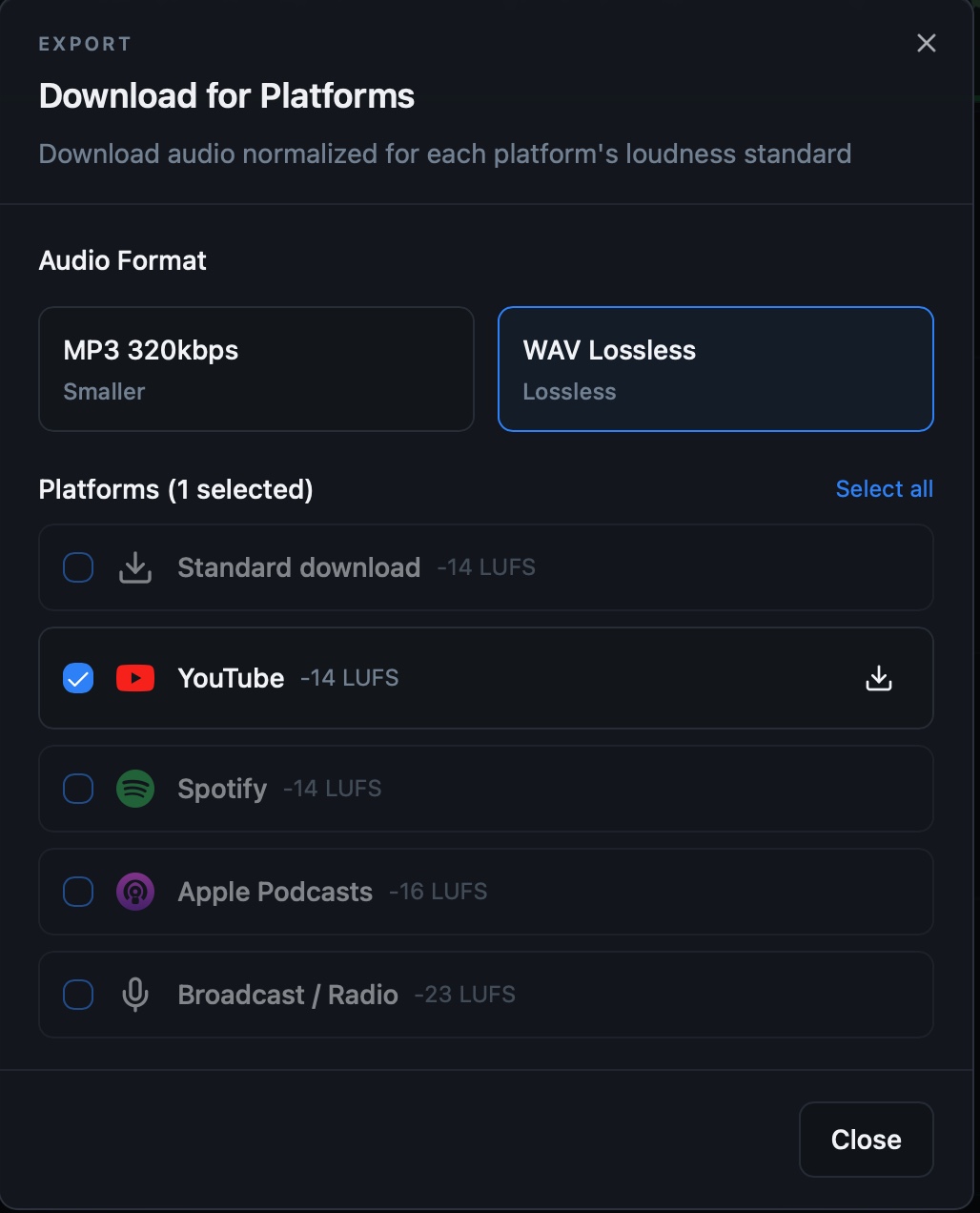
Platform-specific loudness export
Prepare finished audio for the loudness expectations of common podcast and media destinations, then export directly from the project.
What it helps you do
- Choose an export target that matches the intended publishing destination.
- Avoid guessing at finished-program loudness after the edit is complete.
- Keep editing and delivery preparation in the same browser project.
How the workflow works
- Finish the timeline edit and listen through the complete mix.
- Open export and choose the appropriate destination or loudness target.
- Render and download the finished audio file.
Platform-specific loudness export FAQ
Does exporting use credits?
No. Finished-audio export is part of StudioEditor’s free core feature set.
Why does platform loudness matter?
A suitable target helps the finished program play at a predictable level on its intended platform.
Should I listen before exporting?
Yes. Always review the complete mix for edits, transitions and balance before creating the delivery file.