Free feature
Multiple-input and online participant recording
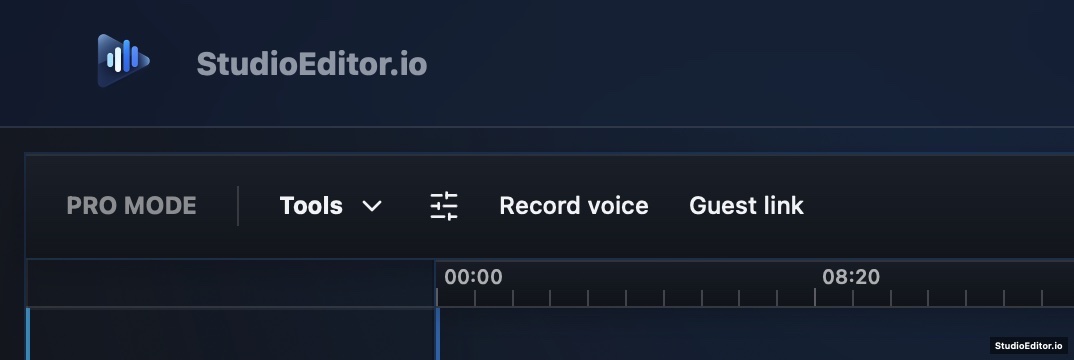
Record local microphones and invited online participants in one browser project, then continue directly into the StudioEditor multitrack timeline.
What it helps you do
- Keep local inputs and online participants inside one browser-based production workspace.
- Move recorded material directly to separate speech tracks for editing and mixing.
- Avoid exporting from one recording service and importing into a separate editor.
How the workflow works
- Create or open an audio project and choose the recording controls.
- Select the available audio inputs and invite an online participant when needed.
- Record the conversation, review the captured media and continue on the multitrack timeline.
Multiple-input and online participant recording FAQ
Does browser recording cost anything?
No. Core recording in StudioEditor is free. Creating an account is also free and does not require a credit card.
Can I record an online podcast guest?
Yes. StudioEditor can create a guest link so an online participant can join the recording workflow.
Can I edit the recording immediately?
Yes. Recorded media stays in the project and can be arranged, trimmed and mixed on the multitrack timeline.