Free feature
Podcast artwork designer
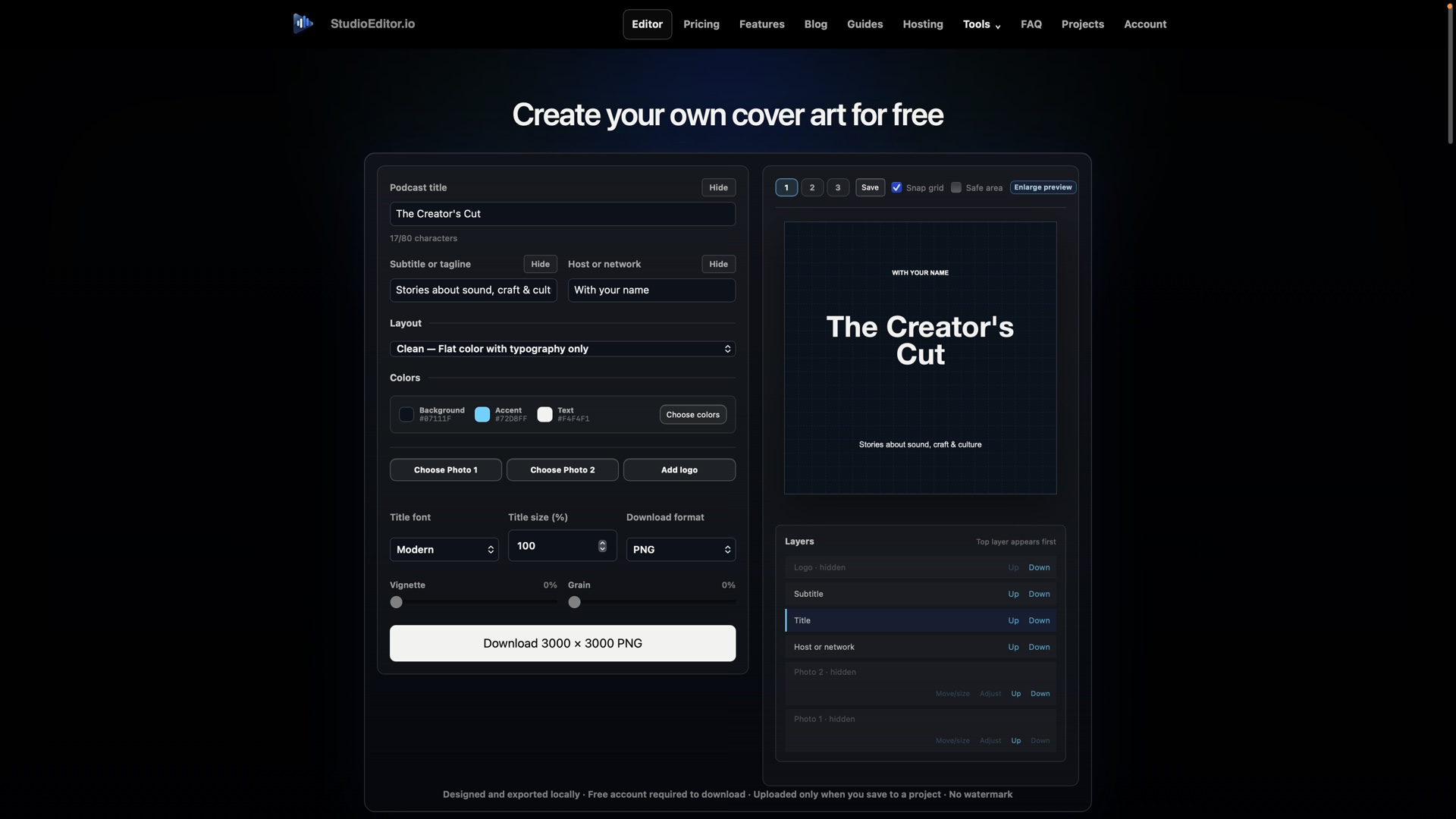
Create square podcast artwork with editable text, images and layers, then export a high-resolution cover without leaving StudioEditor.
What it helps you do
- Develop artwork in the same product used for the episode audio.
- Arrange text and image layers with independent controls.
- Export a square high-resolution PNG or JPG for podcast platforms.
How the workflow works
- Open the artwork tool and choose a layout for the show or episode.
- Add title text and images, then arrange and adjust the layers.
- Check thumbnail readability and export the finished square artwork.
Podcast artwork designer FAQ
What size artwork can StudioEditor export?
The artwork workflow supports a 3000 by 3000 pixel PNG or JPG export.
Can I use more than one image?
Yes. The artwork editor supports a background image and an independently movable image layer.
Where can I open the artwork tool?
Open the free Podcast Cover Art tool from the StudioEditor Tools menu.