Video Podcast Editor · Coming soon
Auto reframe timeline
Analyze people across the video timeline, zoom each shot as needed and reposition the detected speaker toward the center of the selected output frame.
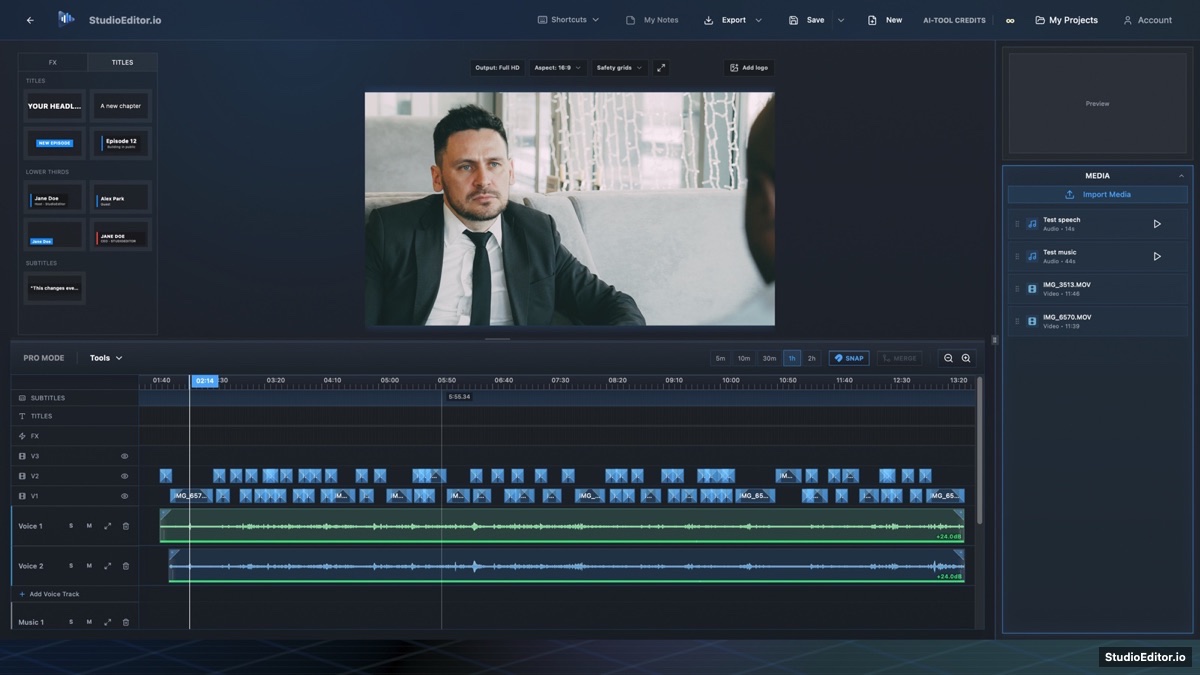
What it helps you do
- Center speakers who were recorded off-axis or in a wider camera frame.
- Apply reframing across the complete timeline rather than clip by clip.
- Adapt shots to the selected output aspect ratio while retaining manual control.
How the workflow works
- Choose the output aspect ratio and prepare the video timeline.
- Run Auto reframe timeline to analyze people in each visible source.
- Review the new zoom and position and adjust individual clips where needed.
Auto reframe timeline FAQ
Does Auto reframe only zoom the video?
No. It is designed to zoom when necessary and reposition the detected person toward the frame center.
Can Auto reframe process the whole timeline?
Yes. The timeline command applies the analysis across video clips in the current edit.
Can I change the result manually?
Yes. Reframed clips retain editable position and scale controls.