Video Podcast Editor · Coming soon
Titles, lower thirds, FX and logo overlays
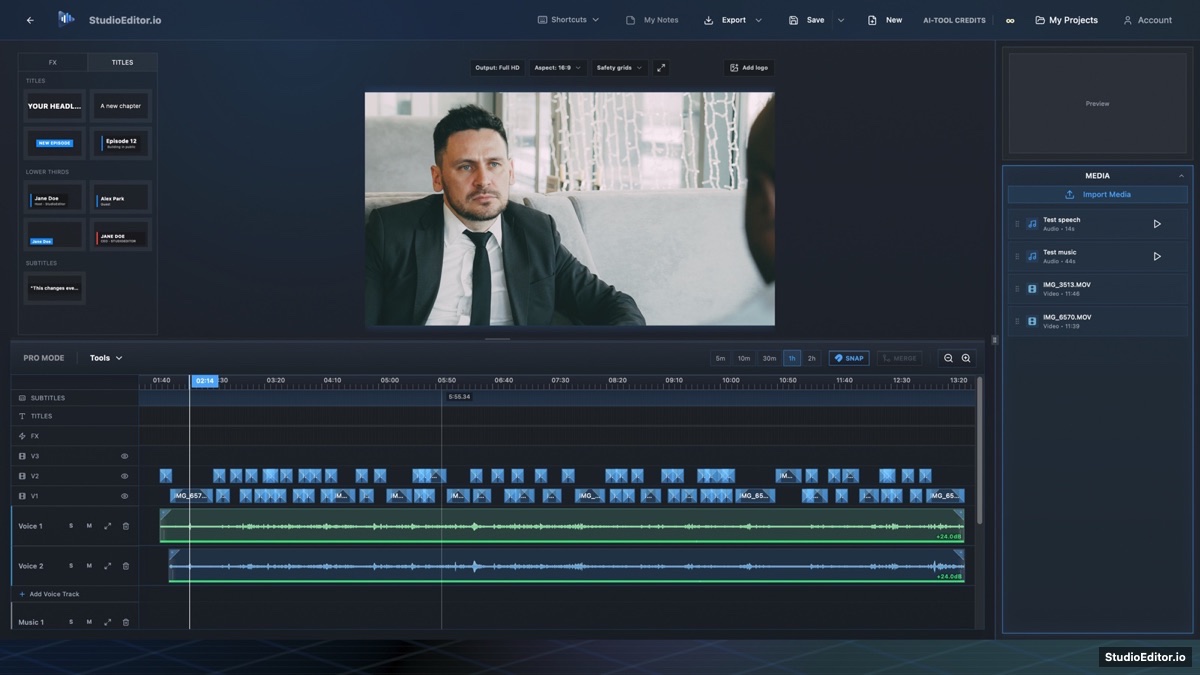
Add program titles, speaker lower thirds, visual effects and a reusable logo overlay while previewing their actual placement in the video frame.
What it helps you do
- Add opening titles and speaker identification without a separate graphics application.
- Preview lower thirds using their actual layout rather than a generic placeholder.
- Place and size a logo inside common platform safety guides.
How the workflow works
- Choose a title, lower-third or FX template from the left panel.
- Enter the final text and place the graphic at the intended timeline time.
- Add a logo, set its size and opacity, and confirm it remains inside the active safety guides.
Titles, lower thirds, FX and logo overlays FAQ
Can I add a logo to the complete video?
Yes. A logo overlay can span the intended program duration and be adjusted for size and opacity.
Do lower-third previews match the final style?
The template previews are designed to show the actual lower-third look before insertion.
Can the logo be kept inside Instagram safety guides?
Yes. Logo placement is constrained and previewed against the selected safety-grid area.