Video Podcast Editor · Coming soon
Video clip stabilization
Reduce unwanted handheld movement in a selected video clip while keeping the stabilization decision limited to the footage that needs it.
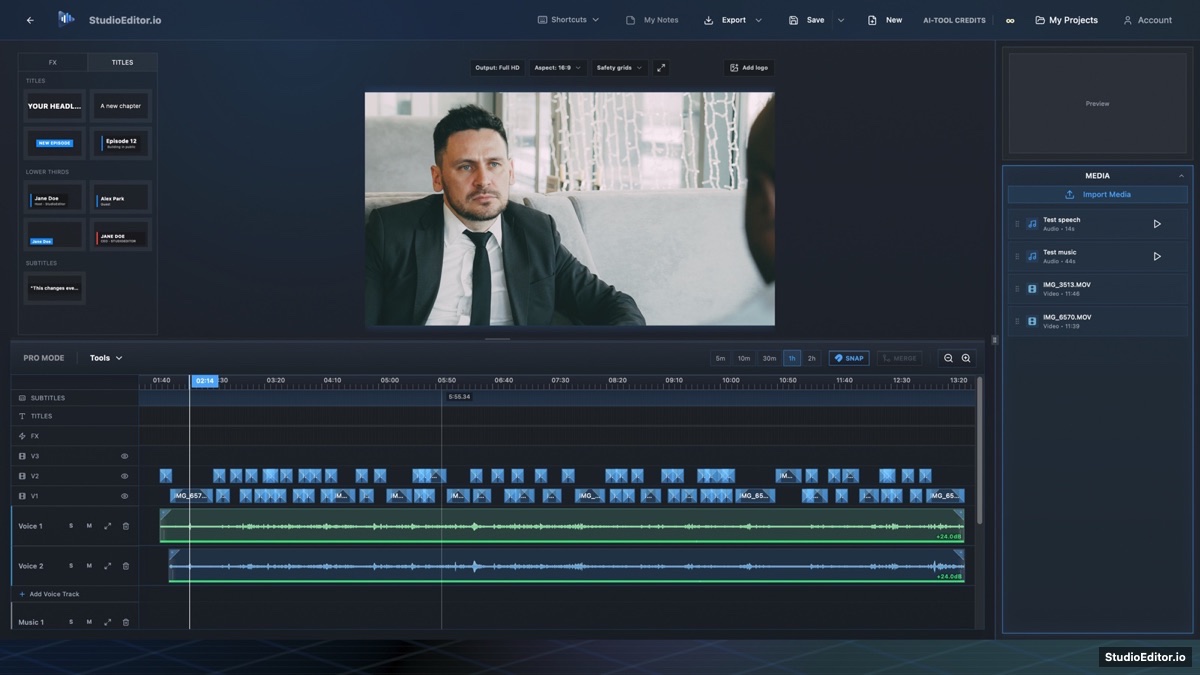
What it helps you do
- Reduce distracting shake in handheld or lightly moving footage.
- Limit processing to selected clips instead of altering an entire track.
- Review the stabilized picture in the main preview before export.
How the workflow works
- Select the video clip that contains unwanted movement.
- Choose Clip stabilizer from Tools and run the local analysis.
- Preview the result and keep, revise or remove the stabilization treatment.
Video clip stabilization FAQ
Does stabilization affect every video clip?
No. The tool is intended for selected clips so stable footage stays unchanged.
Will stabilization crop the image?
Some edge cropping or scaling may be needed to compensate for movement, so the result should be reviewed.
Is clip stabilization optional?
Yes. Use it only when a selected shot benefits from motion correction.