Video Podcast Editor · Coming soon
Full HD video export
Render the finished video podcast at up to Full HD 1080p with the chosen aspect ratio, camera edit, graphics, color and mixed audio.
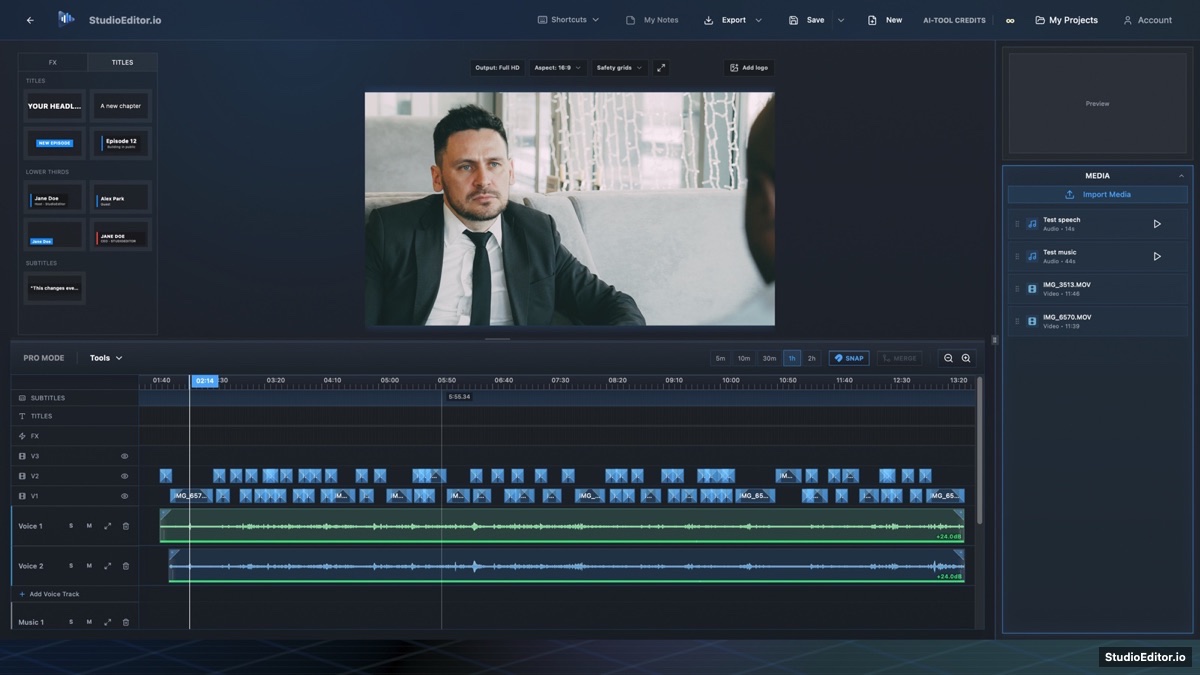
What it helps you do
- Export the completed camera edit at up to Full HD 1080p.
- Match the finished render to the selected landscape or social aspect ratio.
- Include timeline graphics, logo, color treatment and mixed audio in one output.
How the workflow works
- Review the complete timeline and choose the final aspect ratio.
- Set playback quality independently from the Full HD output setting.
- Open Export, confirm Full HD 1080p and render the finished video.
Full HD video export FAQ
Can StudioEditor export 4K video?
The planned maximum output is Full HD 1080p, so the editor labels the output as Full HD rather than 4K.
Does half playback quality reduce export quality?
No. Playback quality controls preview performance; the export setting controls the finished render.
Which aspect ratios are supported?
The editor provides output aspect-ratio controls for the supported landscape and social layouts.