Video Podcast Editor · Coming soon
Video color adjustments
Adjust exposure, contrast, saturation, temperature and related picture controls for one selected clip or apply a consistent treatment to an entire camera track.
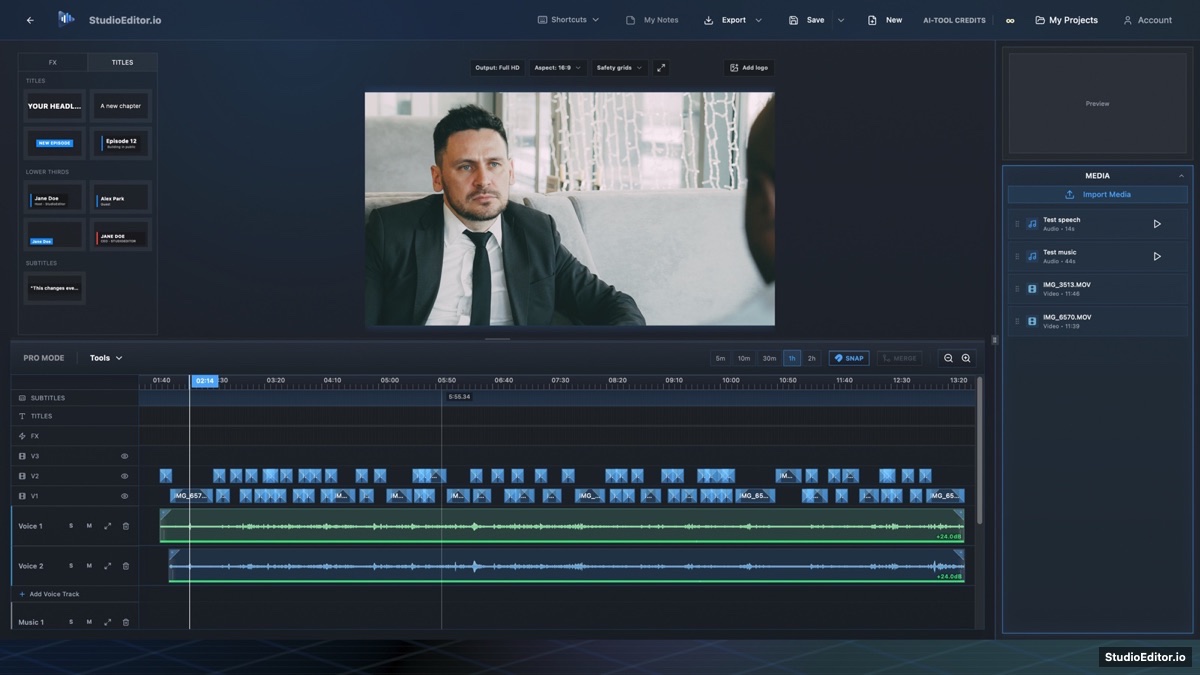
What it helps you do
- Correct a single problem clip without changing the rest of the camera angle.
- Apply one consistent look across an entire video track.
- Double-click adjustment sliders to return to their neutral values.
How the workflow works
- Right-click a video clip and open its color adjustments.
- Choose Selected clip or Entire track as the adjustment scope.
- Tune the picture while watching the preview, or double-click a slider to reset it.
Video color adjustments FAQ
Can one adjustment affect an entire camera track?
Yes. Choose the entire-track scope when clips from the same camera need one consistent treatment.
Can I adjust only one clip?
Yes. Selected-clip scope keeps the change limited to that timeline clip.
How do I reset a color slider?
Double-click the slider to return it to its neutral default.