Video Podcast Editor · Coming soon
Text-based video editing
Select transcript words, sentences or custom ranges and remove the corresponding linked picture and sound together while keeping filler-word suggestions available for review.
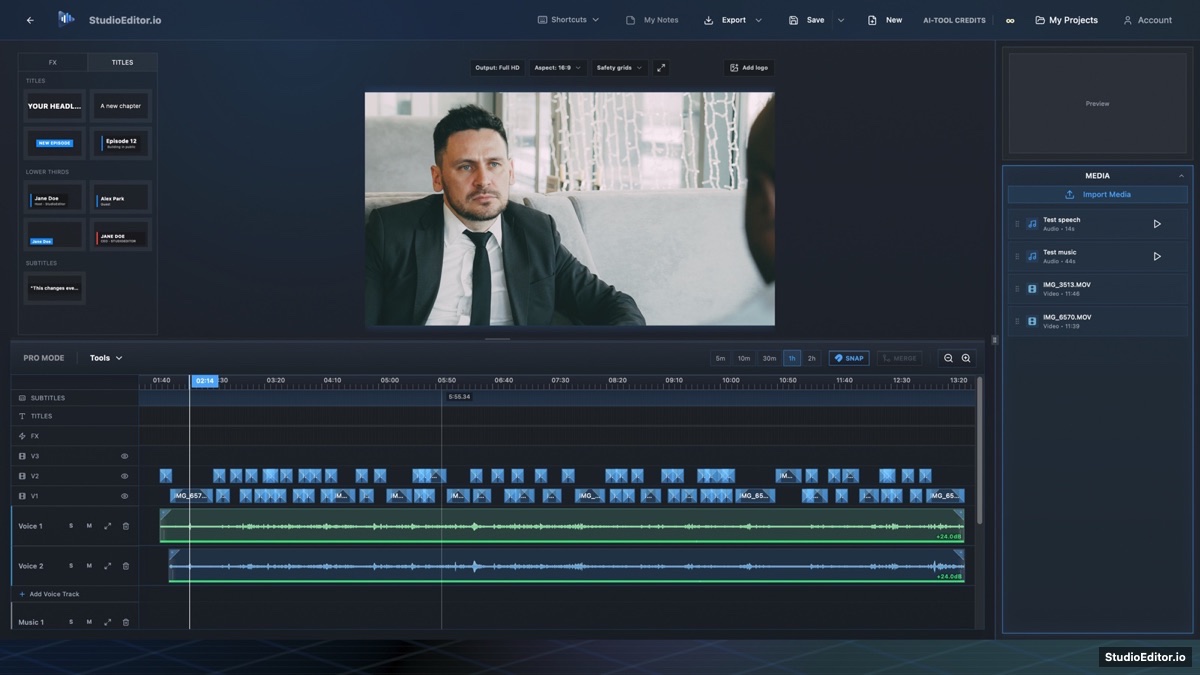
What it helps you do
- Find spoken sections by reading the transcript instead of scanning only waveforms.
- Review automatically marked filler words alongside any manual selection.
- Cut linked video and audio together so synchronization is preserved.
How the workflow works
- Generate and correct a timed transcription for the video timeline.
- Open Text-based editing and review selected filler words or choose another range.
- Apply the approved removals and review the resulting linked video and audio cuts.
Text-based video editing FAQ
Does text-based video editing require transcription?
Yes. Timed transcript words connect each text selection to the correct video and audio range.
Are filler words deleted automatically?
No. Likely filler words are marked for review so the editor chooses what to remove.
Does a text edit cut both video and audio?
Yes. Approved transcript edits cut linked picture and sound together.