Video Podcast Editor · Coming soon
Video transcription and subtitles
Transcribe speech from the video timeline, identify speakers and create timed subtitles that support both caption export and transcript-based editing.
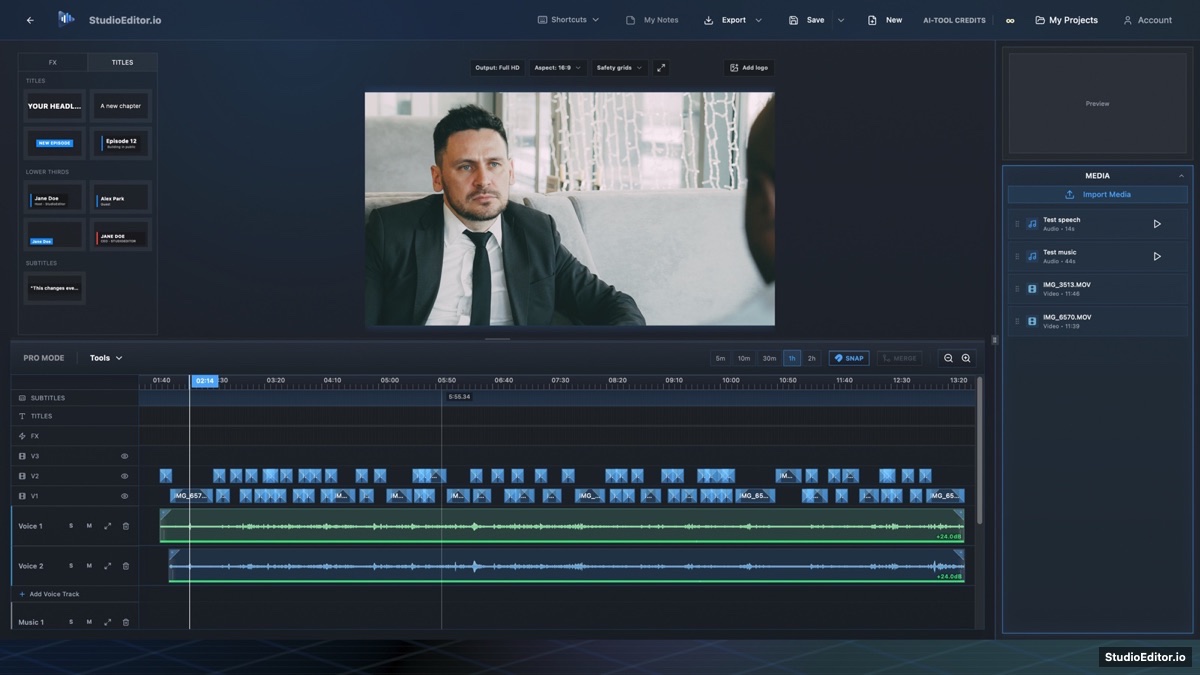
What it helps you do
- Create timed transcript words from the speech on the video timeline.
- Review speaker labels and correct transcript wording before publishing.
- Export captions as SRT or VTT and transcripts as TXT, DOCX or PDF.
How the workflow works
- Import the linked video and audio and choose 1. Transcribe from Tools.
- Select the language, review the credit estimate and generate timed text.
- Correct speakers and wording, then edit by text or export captions and transcripts.
Video transcription and subtitles FAQ
Does video transcription use credits?
Yes. The transcription dialog shows the estimated credit use before processing begins.
Why is transcription required for text-based editing?
Timed words provide the map between selected transcript text and the linked video and audio ranges.
Which caption formats can I export?
Timed captions can be exported as SRT or VTT, with transcript exports available separately.